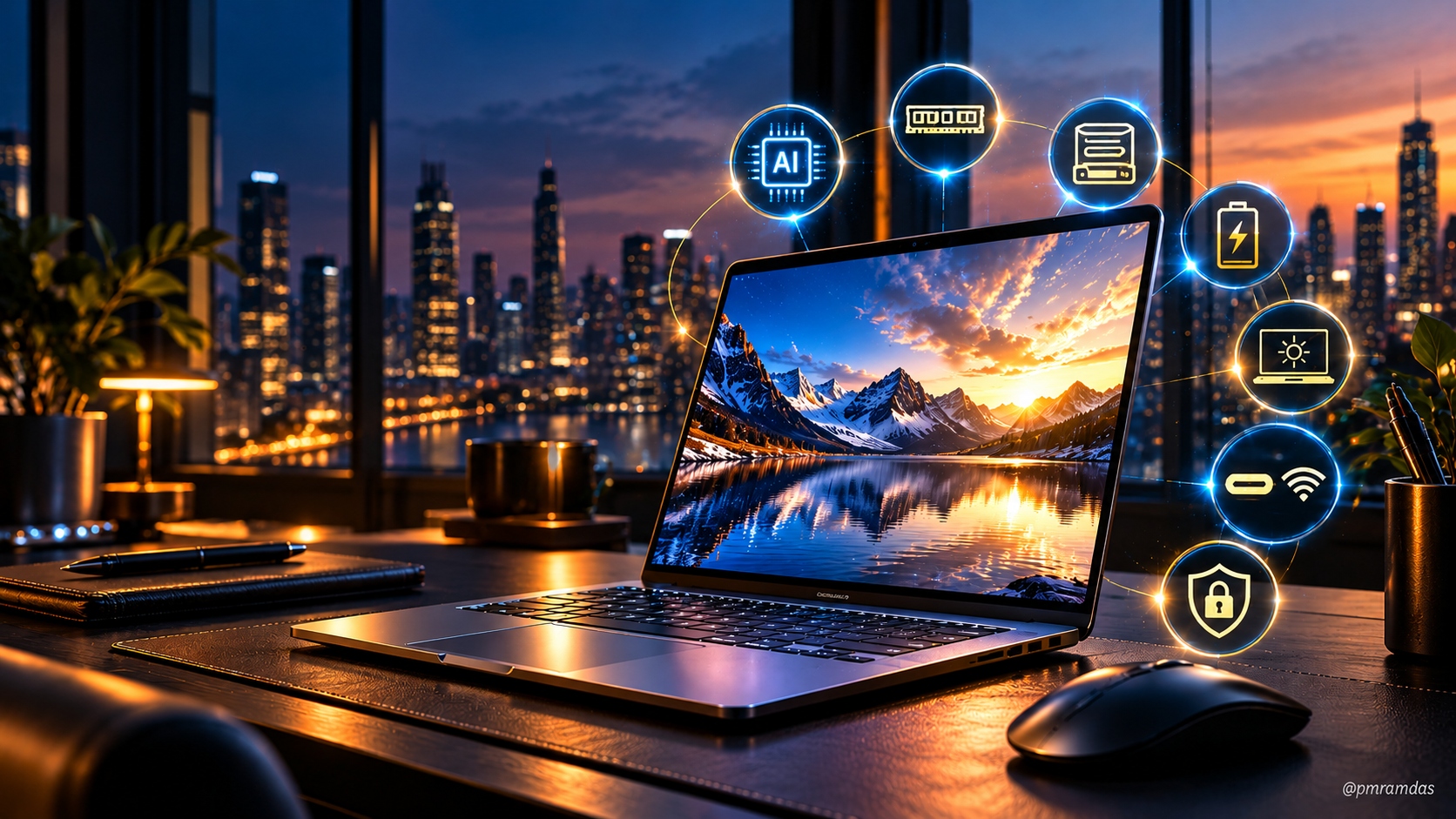
I Wouldn’t Buy a Laptop in 2026 Without These 7 Things
The laptop buying checklist has changed. CPU, RAM and storage are no longer enough.
For years, buying a laptop was fairly predictable.
Intel or AMD?
8GB or 16GB RAM?
512GB or 1TB SSD?
Windows or Mac?
Compare the numbers, check the price, buy the machine.
In 2026, I think that approach is outdated.
We are entering a period where a laptop is no longer simply a portable computer. It is becoming a local AI machine, communications hub, security boundary and increasingly, a personal inference platform.
And that changes what I would look for before spending money on one.
Here are the seven things I would insist on in a laptop I was buying today.
1. A Serious NPU, Not an AI Sticker
This would be my first question.
Where is the NPU?
The Neural Processing Unit is designed to handle sustained AI workloads far more efficiently than asking the CPU or GPU to do everything.
Microsoft’s current Copilot+ PC specification requires an NPU capable of 40+ TOPS, alongside at least 16GB of memory and 256GB of storage. Current supported Windows platforms include Snapdragon X, AMD Ryzen AI 300/400 and Intel Core Ultra 200V/300V families.
AMD already offers mobile processors with NPUs reaching 50 TOPS, while Intel’s Core Ultra 200V generation brought a substantially more capable NPU than its predecessor.
But here’s the thing.
TOPS alone shouldn’t decide your purchase.
What matters is whether applications you actually use can exploit that hardware.
For my next laptop, however, 40+ TOPS-class local AI capability would be the starting point, not a luxury.
2. 16GB RAM Is the Floor. I’d Prefer 32GB.
I wouldn’t buy an 8GB machine in 2026 unless it were for a very specific lightweight purpose.
Microsoft itself now requires 16GB RAM as part of the Copilot+ PC hardware baseline.
And local AI changes the equation further.
Imagine simultaneously running:
- Browser tabs.
- Teams or Zoom.
- Office applications.
- Cybersecurity agents.
- Local AI models.
- Development environments.
- Photo or video tools.
Memory disappears surprisingly quickly.
For an everyday user, 16GB remains reasonable.
For a professional buying a machine expected to last four or five years, I’d seriously consider 32GB.
For development, virtualisation, serious content creation or larger local AI workloads, I would look beyond that.
The mistake is buying for what you do today.
Buy enough memory for what your computer will be doing three years from now.
3. 512GB SSD Minimum
Yes, cloud storage is everywhere.
That doesn’t mean local storage stopped mattering.
AI models can consume gigabytes. Video consumes enormous amounts of space. Offline files, virtual machines, containers, application caches and local datasets accumulate quickly.
For me:
- 512GB = minimum
- 1TB = comfortable
- 2TB = power-user territory
Interestingly, Apple’s 2026 M5 MacBook Air now starts at 512GB SSD, while offering configurations up to 4TB.
I think that’s roughly where mainstream premium laptops should be heading.
A fast processor attached to perpetually full storage isn’t a premium experience.
4. Battery Life That Survives the Real World
Forget the headline number for a moment.
I want to know what happens when I have:
Wi-Fi running, Bluetooth headphones connected, browser tabs open, video calls happening and AI features operating in the background.
That’s the battery test that matters.
The architectural shift happening in laptops is interesting precisely because efficiency is becoming as important as raw performance.
For perspective, Apple’s current M5 MacBook Air claims up to 15 hours of wireless web use and 18 hours of video streaming.
Those are controlled tests, of course, but they illustrate where expectations are heading.
In 2026, all-day computing shouldn’t mean carrying the charger all day.
5. A Display Your Eyes Will Thank You For
People obsess over processor benchmarks and then spend eight hours staring at the screen they barely researched.
That never made sense to me.
I would look at:
brightness, resolution, colour quality, refresh rate, outdoor usability and eye comfort.
OLED can be beautiful.
Mini-LED can be excellent.
A good IPS panel can still be perfectly sensible.
The technology matters less than the implementation.
And if you’re a professional spending perhaps 2,000 hours a year looking at that display, paying a little more for a genuinely good panel makes far more sense than chasing another few percentage points on a synthetic CPU benchmark.
6. Modern Connectivity Without Dongle Dependency
My laptop should connect to my world without requiring a pouch containing six adapters.
I’d want modern USB-C connectivity with high-speed data, charging and external-display support, alongside current-generation wireless connectivity.
The newest platforms are already moving further. Apple’s 2026 MacBook Air, for example, includes Wi-Fi 7 and Bluetooth 6, while its USB-C ports support Thunderbolt 4 and USB4 at up to 40Gbps.
Not everybody needs the newest standard immediately.
But connectivity is one of those specifications you cannot easily upgrade later.
Think about the laptop you’re going to connect to things in 2029, not just the devices sitting on your desk today.
7. Hardware-Backed Security
This one shouldn’t surprise anyone coming from cybersecurity.
I don’t want security entirely dependent on software.
Modern laptops should provide a meaningful hardware root of trust, secure boot capabilities, strong biometric authentication, storage encryption support and properly protected credentials.
And AI makes this more important, not less.
As more inference happens locally, our laptops may contain increasingly sensitive context about our documents, conversations, work patterns and personal information.
Microsoft explicitly positions the NPU in Copilot+ PCs as enabling AI processing to occur locally on the device, rather than every workload necessarily depending on the cloud.
Local processing can provide privacy advantages.
But local intelligence also makes the endpoint itself more valuable.
That’s why my seventh requirement isn’t flashy.
It’s probably the most important one.
The smartest laptop in the room also needs to be one of the hardest to compromise.
So, What Would I Actually Buy?
I wouldn’t begin with a brand.
I’d begin with an architecture.
My 2026 baseline would look something like this:
40+ TOPS-class NPU • 16GB minimum / preferably 32GB RAM • 512GB minimum / preferably 1TB SSD • genuine all-day battery • excellent display • modern high-speed connectivity • hardware-backed security
Then I’d choose the operating system and ecosystem.
That might lead someone toward a current Snapdragon, Intel Core Ultra or AMD Ryzen AI Windows machine. For another person, the integration of Apple’s M-series silicon, Neural Engine and unified-memory architecture may make a MacBook the better choice.
There isn’t one universally correct laptop.
There is, however, such a thing as buying yesterday’s architecture at today’s price.
And that’s what I would avoid.
One Last Thought
We used to buy laptops by asking:
How fast is it?
Then we started asking:
How long does the battery last?
I think the next question will be:
How much can this machine intelligently do on its own?
That’s a very different buying decision.
Because the laptop you buy in 2026 could still be sitting on your desk in 2030 or 2031.
By then, AI won’t be an extra feature hiding behind a colourful button.
It will increasingly be part of the computing architecture itself.
So don’t just buy enough laptop for 2026.
Buy enough architecture for what comes next.

Instincts built hunting signals at sea, sharpened for two decades against digital adversaries. Not machine-written. Machine-proofread, comma by comma. Everything else, the noticing, the arguing, the getting it wrong sometimes, is mine. The bytes are for everyone; the opinions are only ever mine.
“Until the lion learns how to write, every story will glorify the hunter.” This is the lion's version.
- Gear LabThe Invisible Machine: How Neural Processing Units Are Quietly Replacing Everything You Know About Computing16 Jun 2026 · 4 min
- Gear LabWhat happens when a $10 Million Quantum Computer can crack your ‘Unbreakable’ encryption in minutes?21 Mar 2026 · 3 min
- LinkedIn RepublicationsCybersecurity in Modern Conflict: A Strategic Framework for Organisational Resilience14 Oct 2020 · 4 min